Map the process.
Identify inputs, outputs, owners and repeated tasks.
Workflows that connect forms, email, CRM and sales follow-up.
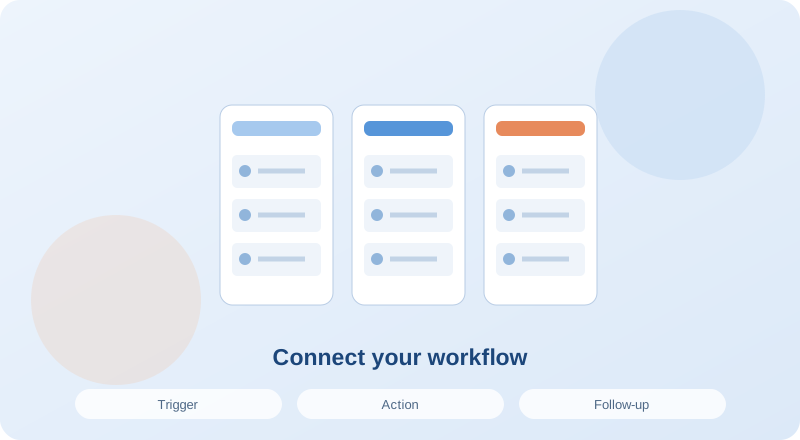
We shape the plan around your current setup, goals and priorities. Deliverables, timing and responsibilities are defined in your proposal.
We agree on relevant metrics at the start and use consistent definitions when reviewing progress.
Accounts to connect, process owner, permission boundaries and sample data.
Compare packages ↗An illustrative automation scenario from a website form to sales follow-up.
Collect the required information
Check the record and assign an owner
Explain what happens next
Record the conversation and outcome
Let’s adapt this flow to your business.
Automation should make a process reliable. We start with practical needs: preserving enquiries, assigning owners and ensuring follow-up. Alongside integrations, we define data fields, failure handling and steps that need human review.
Identify inputs, outputs, owners and repeated tasks.
Specify triggers, conditions, actions and approval boundaries.
Test missing data, duplicates and connection failures as well as successful runs.
Create failure alerts, execution records and a review routine for the process owner.
A proposal form could create a CRM record, assign a task and trigger an authorised acknowledgement. Missing fields or integration failures can alert an owner. Checkpoints help prevent a request being lost behind an assumed successful run.
Spending, publication and customer communication need suitable approval boundaries. Automation depth follows process risk.
Tools follow the integration capabilities of your existing systems.
Setup and ongoing monitoring or maintenance are scoped separately.
Test incomplete fields, duplicate actions and connection problems as well as the successful scenario to improve workflow reliability.
A controlled starting point that connects a website enquiry to a CRM record and accountable follow-up.
Plan welcome and post-purchase communication with clear triggers, conditions and exit rules before expanding your flows.
Define sales stages, owners and next actions to keep enquiries from disappearing between first contact and proposal.
Replace one message for everyone with communication matched to each customer’s stage.
We can identify the right services together. Tell us about your business and goals.
Explore our experience ↗Start with one service or build a package for your business.