The short answer
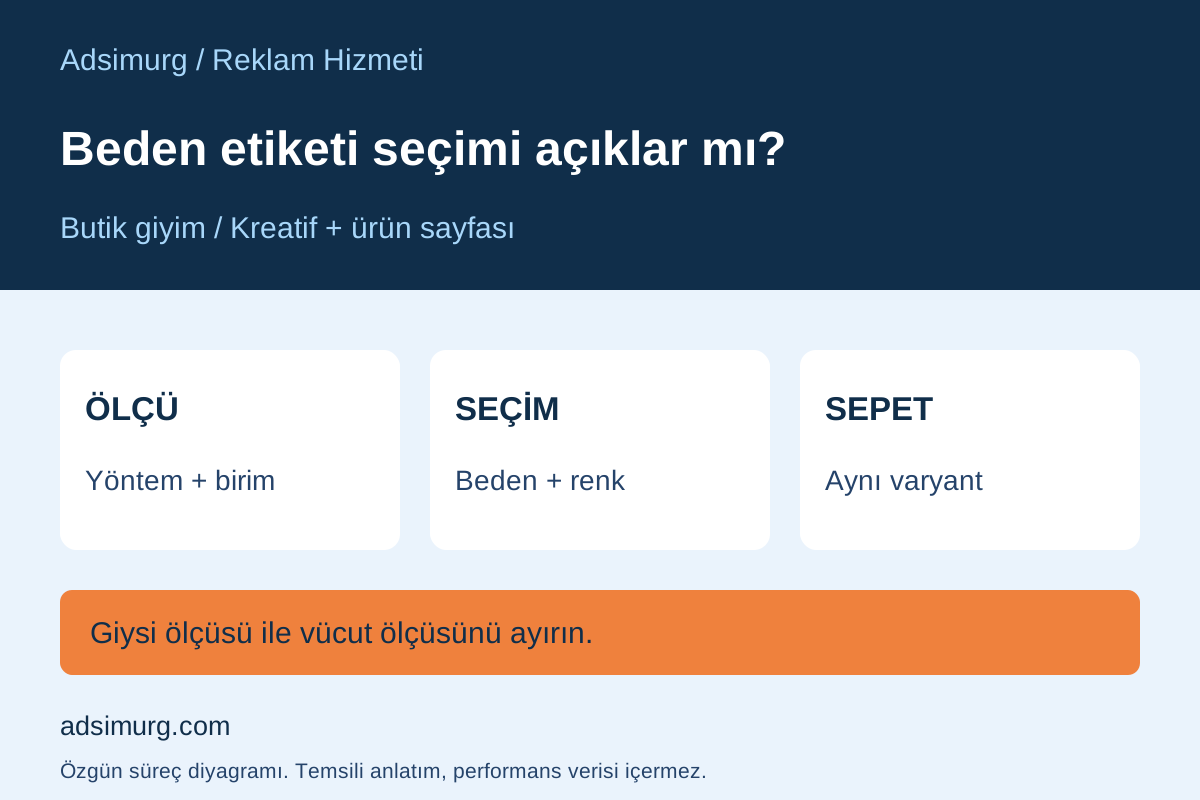
An S, M or L label does not explain the choice on its own. Clarify how the item is measured, whether the measurement refers to a garment or a body, and which variant is selected. Reduce uncertainty between advertising interest and the order.
| Stage | Evidence to record | Avoid this inference |
|---|---|---|
| Fit | Verified product description | A label means the same for every model |
| Measurement | Method, unit and point | Flat width equals body circumference |
| Selection | Actual chosen size and colour | A click proves the correct variant |
| Review | Order and verified reason | A chart guarantees fewer returns |
Explain the advertised fit on the product page
If you use terms such as oversized or slim fit, explain what they mean for that particular item. Use measurements and descriptions verified by the product team rather than copying another brand’s chart. The creative work should address the selection question as well as appearance. A photograph does not validate a sizing recommendation. Add a model’s measurements or worn size only when the information is known and its use is authorised; never fill gaps with assumptions.
Separate garment and body measurements
On a fictional shirt page, a customer may wonder whether chest measurement means the garment’s flat width, its circumference or a person’s body measurement. Explain the method, unit and measurement point with a simple diagram. State centimetres explicitly if that is the unit. Do not invent manufacturing tolerances or stretch allowances. This example provides no actual stock measurements or universal fit recommendation. A shared size label does not establish identical measurements across product models.
Keep the chart available as structured text
Do not place essential sizing information only in an image. W3C WAI explains that data tables need structural relationships between header and data cells. Make the model, unit and column headings clear. If columns disappear or the chart control is hidden on a phone, the selection journey becomes difficult to follow. In the product-page review, test opening and closing the chart and returning to variant selection on a mobile display.
Preserve the chosen size through to the cart
Start from the actual ad destination. Select an available variant and check that its image, price and stock explanation match. Read the size and colour again in the cart. Switching a sold-out selection to a different variant should not happen without a clear explanation to the customer. Review accessible stages in an authorised test without creating a real order. A working ad click does not establish that variant selection also works correctly.
Turn customer questions into design decisions
Have support distinguish a missing chart, unclear measurements and an unavailable variant. This does not require publishing personal body measurements in a public report. Repeated questions can identify missing information but do not establish the cause of returns on their own. In the advertising review, keep clicks, variant selection, orders and any verified return reasons separate. Adding a chart is not automatic evidence of more sales or fewer returns; assess actual comparison evidence before making that claim.
A starting checklist
- Verify measurements with the product team.
- Distinguish garment and body measurements.
- Explain units and method.
- Open the chart on a phone.
- Check the chosen variant in the cart.
- Keep questions distinct from return reasons.
The Adsimurg approach
Adsimurg connects boutique clothing advertising, creative and product pages around the customer’s selection question. A free Advertising and SEO audit can assess chart accessibility and the variant journey. Accurate information does not guarantee sales or a return-rate outcome.
Explore the relevant service scopes to put this plan into practice: Paid marketing, Landing pages & CRO, Visual design & video production.