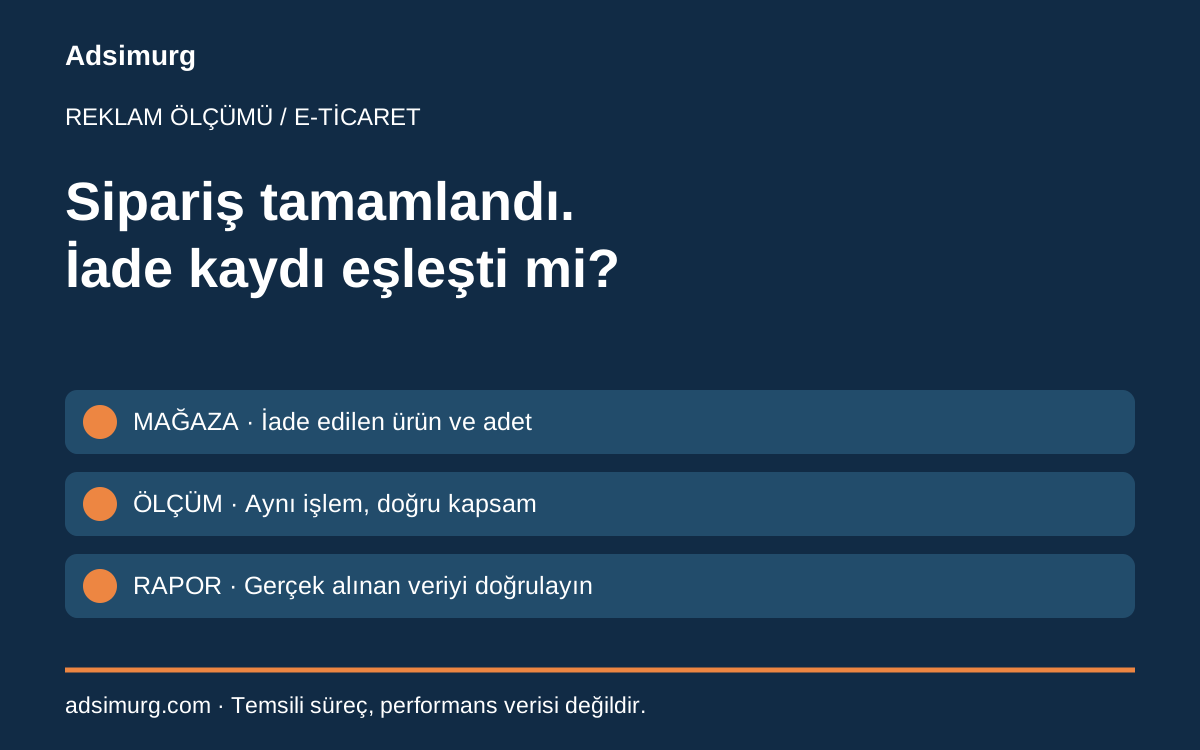
The short answer
A completed refund in the store does not establish that the correct refund event reached measurement. Verify the order record, refund status and Analytics event separately. Do not assume advertising values automatically adjust after a refund; check what each system actually received.
| Layer | Verify | Does not establish |
|---|---|---|
| Store | Order and refund status | Event delivery |
| Measurement | Transaction and item scope | Completed payment reversal |
| Advertising | Received data and period | Automatic updates elsewhere |
Define the outcome before comparing reports
One team may record success when an order is placed while another uses delivered orders. In a paid marketing review, distinguish purchase value, completed refunds and the business definition of net sales. Align the treatment of shipping, tax, discounts and currency. A difference between the store and advertising platform is not automatically a tagging fault; confirm equivalent scope first.
Separate the event model from the business record
Google’s ecommerce documentation describes purchase and refund events. The refund transaction_id identifies the related purchase. Relevant items support item-level refund analysis, and value data needs the correct currency. These are technical fields. Approval and accounting treatment of the actual refund must be checked in business records. An Analytics event does not prove that a bank payment was returned.
Do not treat a partial refund as cancellation of the whole order
Imagine an order containing two different products with only one returned. Record the order reference, returned item, quantity, value scope and processing time. Marking the entire basket as refunded would distort interpretation of the retained sale. This fictional example contains no client performance claim. Use transaction references for reconciliation rather than copying customer names, addresses or phone numbers into analysis views.
Distinguish retries from a genuine second refund
An integration retry after a failure can process the same business event again. Determine whether it is the same refund record or a new return concerning another item. Similar dates or values are insufficient evidence. Keep a source refund reference, processing state and technical owner in the workflow record. Do not bulk-submit historical events before retry behaviour is understood or use real business data as a disposable test.
Trace one authorised test through the journey
Have the responsible team select a clearly labelled, appropriate test order and refund scenario. Inspect the store record, integration output and measured event in sequence. Record which reports contain the test and keep it separate from genuine outcomes. A successful submission response does not establish that every report immediately shows the same value. Mark unobserved stages unverified rather than treating them as complete.
Base the advertising discussion on reconciled scope
Purchase and refund dates can fall in different reporting periods. A purchase-cohort view and a refund-processing-period view answer different questions; state the method in the report. Do not assume an Analytics refund automatically and completely updates Google or Meta advertising conversions. Verify supported and actually applied changes in each platform separately. Keep confirmed orders, measured events and advertising attribution distinct when discussing performance.
A starting checklist
- Define purchases and refunds.
- Match transaction and returned item.
- Separate partial and full refunds.
- Check currency and value scope.
- Review repeated processing.
- Separate tests from sales.
- Verify each platform independently.
The Adsimurg approach
Adsimurg reviews advertising alongside measurement and operational records. A free Advertising and SEO audit can trace a purchase and refund journey to identify unverified stages. It does not guarantee sales or identical reporting totals.
Explore the relevant service scopes to put this plan into practice: Paid marketing, CRM & sales operations.