The short answer
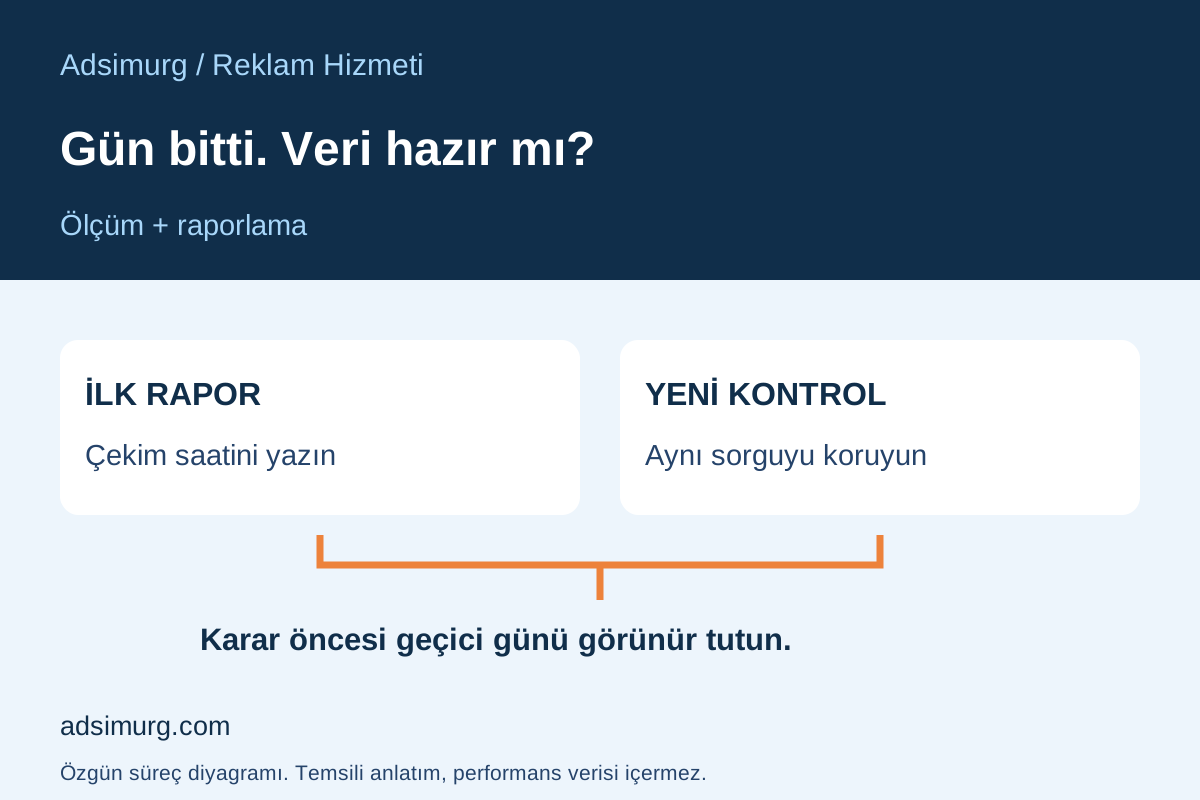
Check whether the reporting period has closed and when the data was retrieved. Do not present a day still being processed as a definite decline. Repeat the same query and assess advertising decisions alongside measurement and business records.
| Check | Evidence | Decision boundary |
|---|---|---|
| Time | Property timezone and retrieval time | A past date is not proof of complete data |
| Scope | Same days and filters | Do not conceal excluded days |
| Outcome | Verified orders or enquiries | A GA4 gap does not identify its cause |
| Revision | Same query, dated version | Do not silently replace earlier reports |
A closed calendar day may still be incomplete in reporting
Google Analytics explains that processing can take 24-48 hours and reports can change during that period. This is not a guaranteed completion deadline for every property. Yesterday’s date therefore does not establish that its data is complete when queried this morning. Record the property timezone and retrieval time together.
Keep the comparison denominator consistent
Consider a fictional business preparing its weekly report on Monday morning. If Sunday remains incomplete, comparing that seven-day total with a more mature previous week can mislead. Keep the date range and provisional note visible in the main report. If supplementary analysis is needed, compare the same weekdays in both periods and explicitly state that Sunday was excluded. This is an illustrative workflow, not client data or evidence of a decline.
Uncertain freshness should not delay investigation of real faults
Check advertising spend, website availability and verified orders or enquiries separately. Orders present in the business system while GA4 looks low justify measurement investigation; they do not prove that processing delay explains the entire gap. If the landing page is unavailable, notify the authorised team without waiting for reports to mature. In the advertising review, keep reporting uncertainty and operational faults on separate lines.
Repeat the same query and document the revision
Record the report, property, metric, filters, dates and retrieval time in a review card. Assign an owner and time for the recheck. Preserve the query definition: changing a filter at the same time makes differences harder to explain. Retain the original version and describe which days and totals changed in the revision. The reporting process should make updates visible instead of silently replacing an earlier conclusion.
State the evidence behind a budget decision
Document the scope and uncertainty of decisions using provisional reporting. Without an urgent operational issue, one low final-day row is a weak basis for a lasting budget reduction. Complete processing does not itself establish campaign success: assess qualified enquiries, orders and verified business outcomes separately. If consent or tagging implementation changed, record a possible measurement effect without declaring it the sole cause before verification.
A starting checklist
- Read the property timezone.
- Record retrieval time.
- Mark provisional days.
- Match comparison scope.
- Check operational evidence separately.
- Date the repeat query.
The Adsimurg approach
Adsimurg reviews advertising reports alongside freshness and verified business outcomes. A free Advertising and SEO audit can assess the limits of your reporting decisions. Data maturity does not guarantee performance or sales.
Explore the relevant service scopes to put this plan into practice: Paid marketing, Growth strategy & analytics.